Offline map packs
Download a region before you go. Packs are prepared tiles, so they open instantly and draw smoothly with no connection and no waiting.
Offline topo maps for Android
Download detailed topographic map packs before you leave, then find your way with no signal at all. Follow a GPX route, layer the maps you need and keep GPS switched off until you want it.
Made for places without coverage
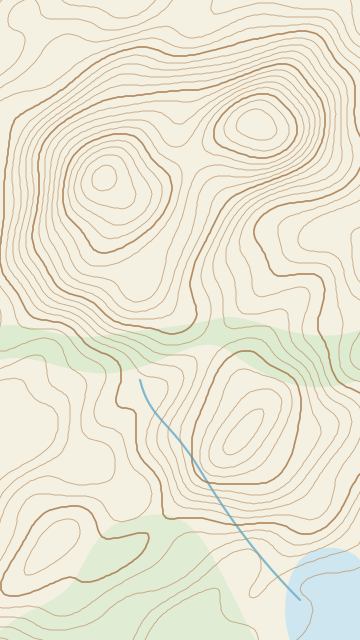
The best tracks rarely come with mobile coverage. Contour keeps detailed topographic maps on your phone, so the contours, huts, rivers and saddles are there when the signal is not.
Download a region before you go. Packs are prepared tiles, so they open instantly and draw smoothly with no connection and no waiting.
Location is off until you switch it on. Choose battery saver for long days or precise mode for tricky junctions, then turn it off again with one tap.
Open a GPX or GeoJSON file from a club, a guidebook or your last trip. Routes sit over the map in gold, with distance and climb at a glance.
Every pack is made of layers. Turn a base map or overlay on and off, and set its opacity, so you see exactly the detail you need.
The same offline topo map on your car’s screen for the drive to the road end, gravel roads and back-country tracks included.
Sign in with your Waypoint account for new map downloads, then use installed maps offline. No analytics or ads. Your location is processed on your phone.
Battery first
On a long day out, the battery is part of your safety kit. Contour never asks for your location in the background, and with GPS off there is no blue dot and no location requests at all. The map still pans, zooms and shows your route.
Location
Location stays on your phone in every mode.
Android Auto
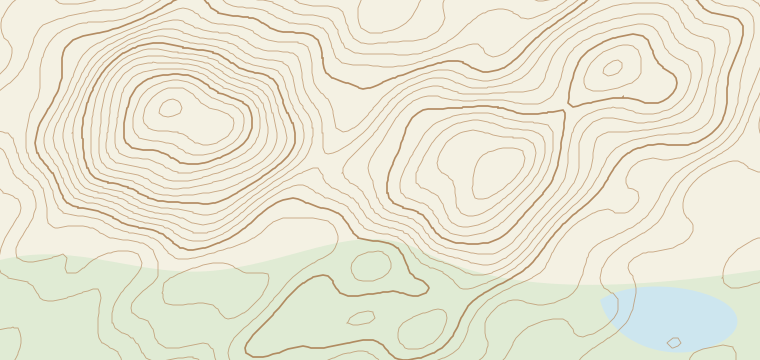
Plug in and Contour appears on your car’s display with the same offline map packs and routes, so the drive to the road end works without coverage too.
Map packs
A map pack is a ready-to-use download for a region. Each pack holds one or more layers: a base map and, where it helps, overlays you can switch on and off. Download over Wi-Fi at home and the pack stays on your phone until you remove it.
New Zealand’s 1:50,000 topographic maps for the North Island and South Island: contours, tracks, huts, rivers and place names, the detail trampers rely on.
Choose which downloaded layers to show and set how strongly each one appears, without downloading anything again.
Either island pack includes a national Topo250 overview, reused when you install the second island. The supplied coverage includes Stewart Island/Rakiura; Chatham Islands maps are not included.
Map data. Topo50 maps are sourced from the LINZ Data Service and licensed for reuse under CC BY 4.0. Each pack shows its attribution in the app.
Before you lose signal
Download Contour, add the map packs for your next trip and head out knowing the map will be there, with or without coverage.